What’s Inside:
• Slice text into individual word or character layers
• Import full SRT subtitle files as editable text
• Align any layer type (AV, shape, 3D, text) with one click
• Auto-delete original layer after slicing
• One-click centered text creation with smart naming
How It Works:
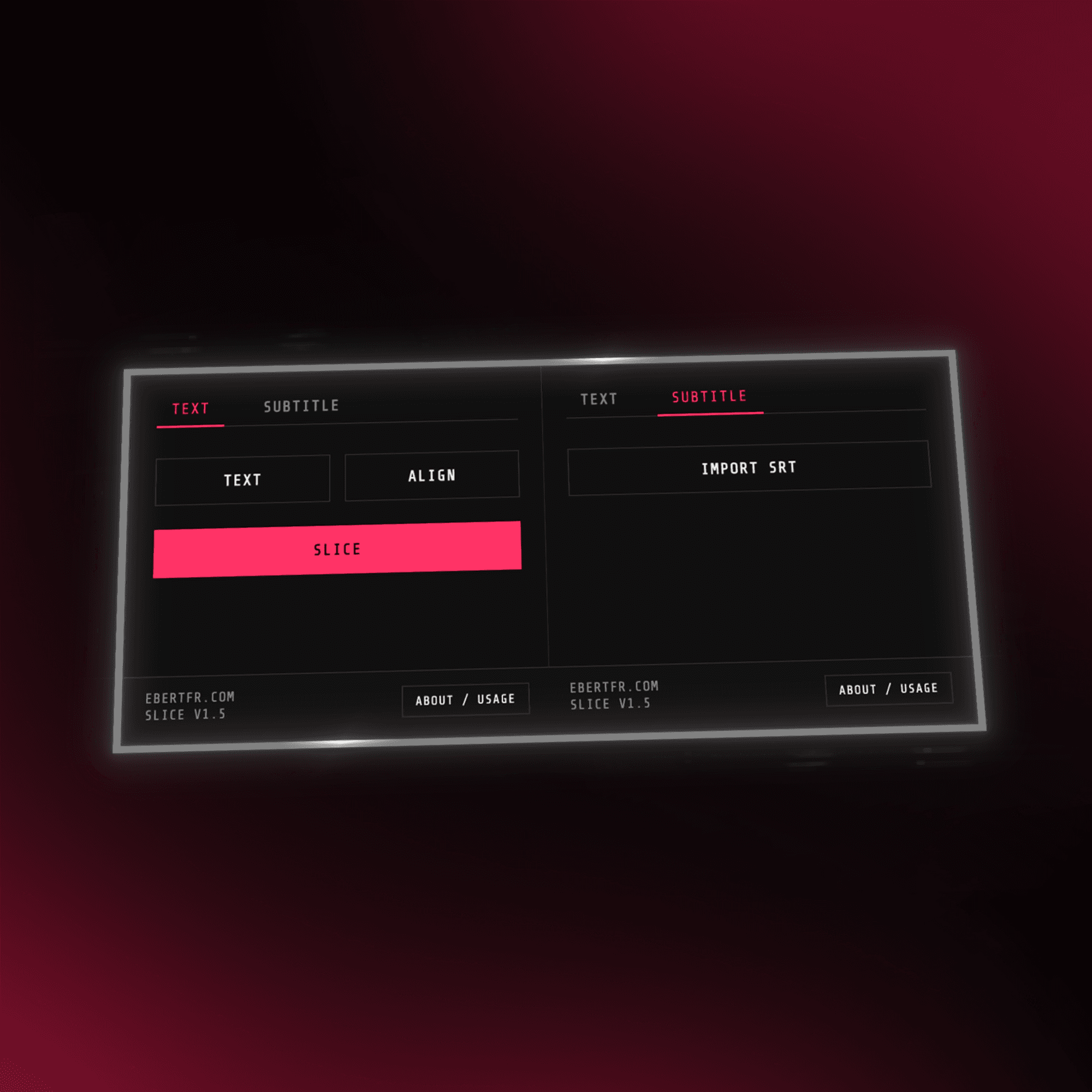
• Text Tab — click Slice to split into words, Shift+click for characters. Align button works on all layer types. Text Tool creates center-justified layers with smart naming
• Subtitle Tab — import .srt files into fully timed text layers with auto-centered anchor and position, no expressions or scripts
• Slice first, then animate — complex styling and effects are flattened during slicing to ensure accurate bounding boxes (AE limitation)
Watch me use it (starts at 3:30)
Included with Purchase:
• Lifetime updates, free forever
• All future versions delivered straight to your inbox
• Direct email support & feature requests welcome
• Your price is locked forever
• Licensed for single-user use only, redistribution or sharing of files/installers is not allowed
Compatibility:
• Fully compatible with macOS & Windows
• Works with all current After Effects versions
Planned Features:
• Brand new tab to apply ready-made text animations directly to any text layer
Changelog:
v1.5 – Jan 14, 2026
• Fixed slice stacking order to natural reading order
• Improved anchor centering reliability across sliced layers
v1.4 – Aug 27, 2025
• New slicing engine with per-word/character bounding boxes
• Works with multi-line, point & box text under rotation/scale/justification
v1.3 – Aug 3, 2025
• Combined SliceTXT + SRT Importer into single panel
• Rebuilt as native plugin with zero dependencies
v1.2 – Jun 28, 2025
• Auto-align imported subtitle layers
v1.1 – Jul 02, 2025
• Align button works across all layer types
• Text Tool uses center justification and smart naming
v1.0 – Aug 10, 2024
• Initial release
