What’s Inside:
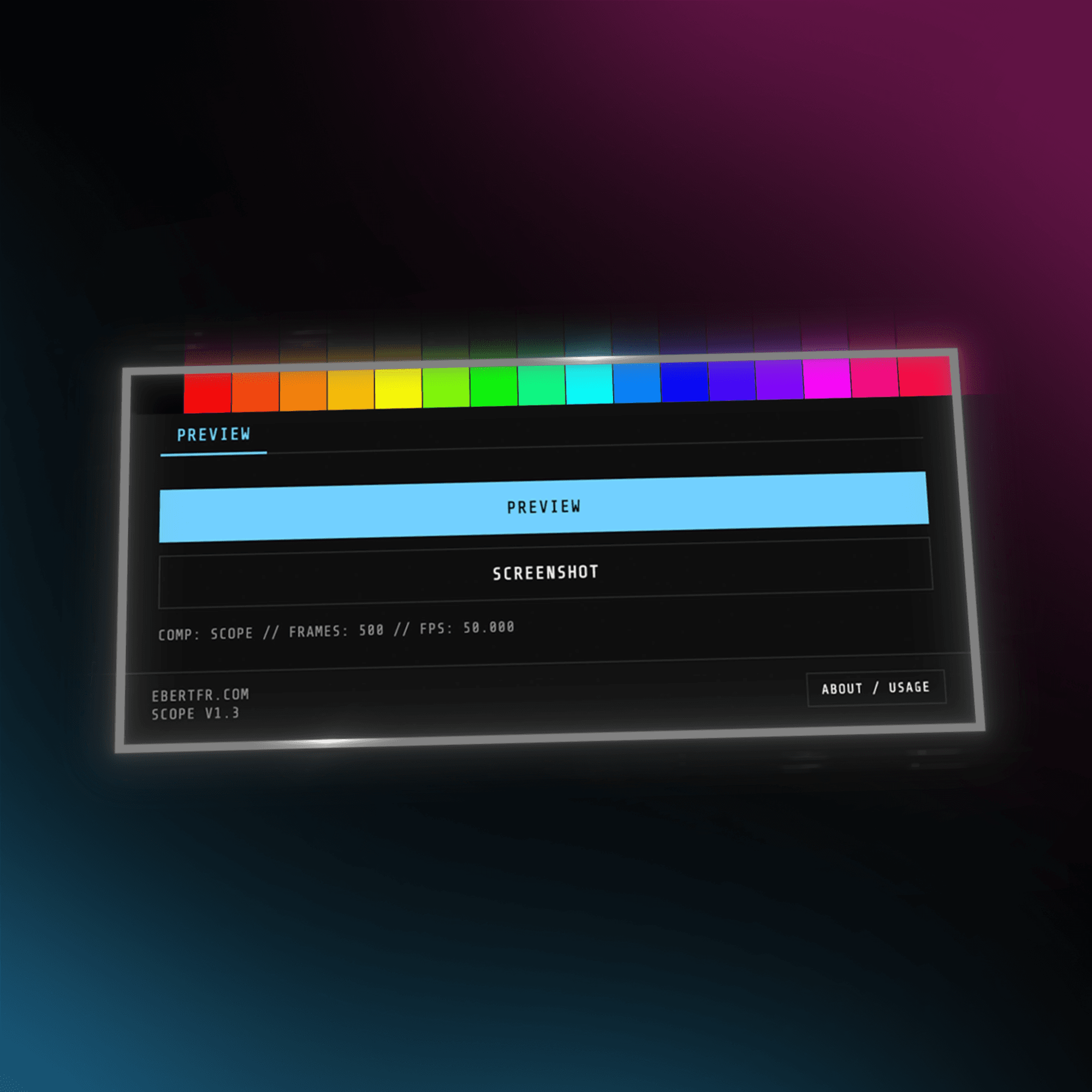
• Glitch-free native AE playback for overlay recording
• Captures paths, nulls, motion blur, and bounding boxes as seen in the viewport
• One-click PNG screenshot export with comp + frame naming
• Live HUD showing comp name, frames, and FPS
• Hidden labels mode with 16 handpicked neon rainbow colors & full guide to match them in your AE preferences
How It Works:
• Enable Include Overlays in the Preview panel, then select the layers you want to see motion paths for
• Click PREVIEW to automatically save the project and trigger playback
• Record your screen with any tool (OBS, Screen Studio, etc.)
• Shift-Click to stop playback
• Click SCREENSHOT to save the current frame as a PNG
• Collapse the panel height to switch to labels mode, click to label layers, Cmd/Ctrl-click for keyframes
Example: How I Made This Lyric Video in After Effects – FAAAHHH x Spotify
Included with Purchase:
• Lifetime updates, free forever
• All future versions delivered straight to your inbox
• Direct email support & feature requests welcome
• Your price is locked forever
• Licensed for single-user use only, redistribution or sharing of files/installers is not allowed
Compatibility:
• Fully compatible with macOS & Windows
• Works with all current After Effects versions
Changelog:
v1.3 – Mar 26, 2026
• Added labels mode with 16 handpicked neon rainbow colors for layer and keyframe labeling
v1.2 – Feb 11, 2026
• Native preview engine for accurate viewport representation
• Save & Play workflow with calibrated delay for clean recording starts
v1.1 – Nov 1, 2025
• Rebuilt with AE-native playback engine
• Added PNG frame export and cross-platform support
v1.0 – Aug 3, 2025
• Initial release, macOS only
